Website Chatbot: When It Helps You Sell and When It Does Not
When an AI chatbot on a landing page closes sales, when it scares buyers away, design rules, GDPR, and how to measure conversion lift.
Written by

Share this
Unlock exclusive Atomicat content
Beyond the blog (/blog), browse our free marketing resources and free tools for calculators and templates (/templates). If you came here searching for landing page tips or landing page best practices specifically, start with the pillars above before browsing further. Browse /resources and /tools.
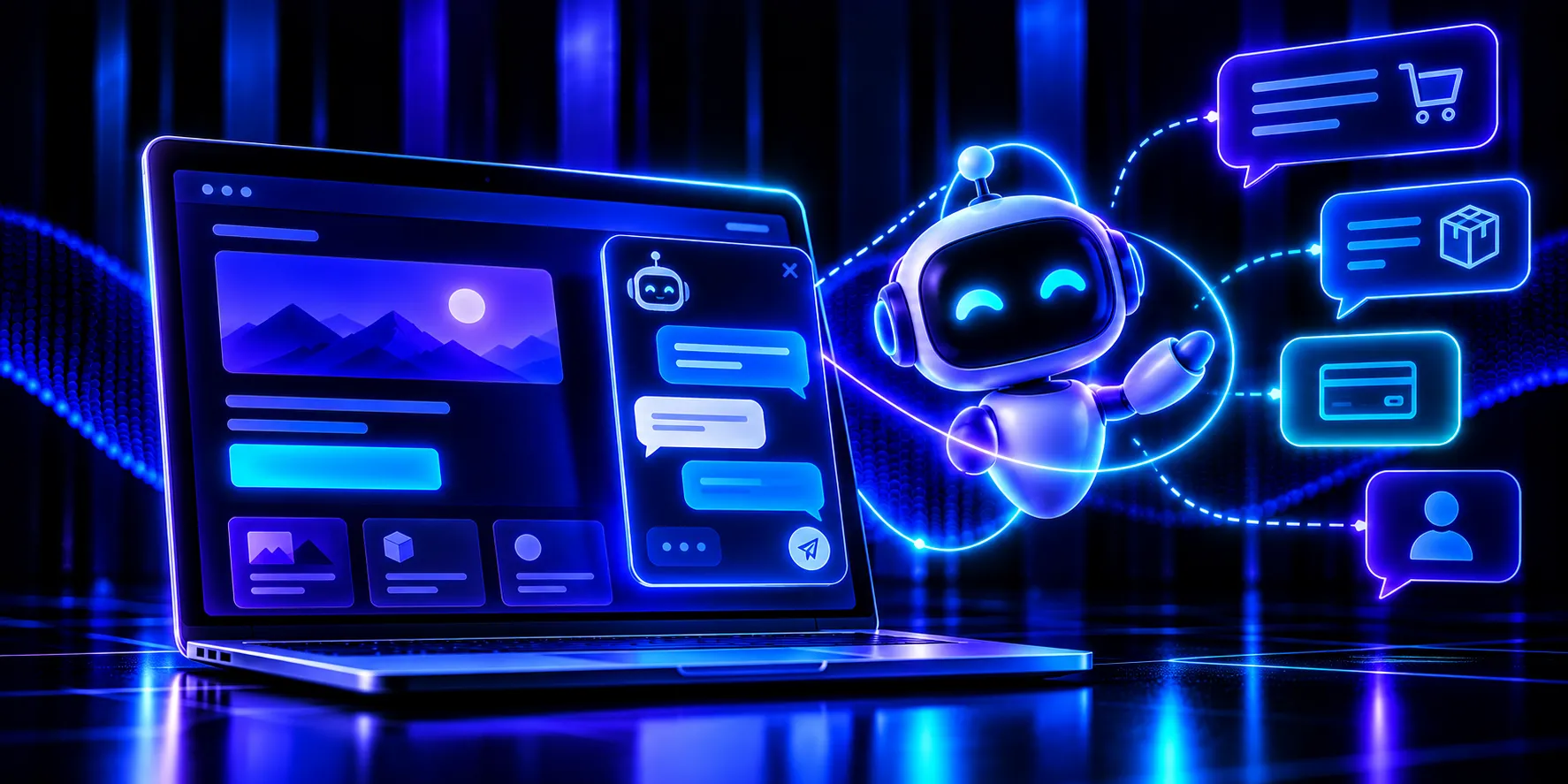
An AI chatbot for the web helps close a sale when it instantly answers the specific question that is holding the visitor back and sends them back to the buy button. It hurts when it covers the content, interrupts someone who has already decided, or replies with generic lines that solve nothing. The tool is the same; what changes is the timing, the tone, and the permission with which it appears.
This guide explains what a chatbot can do on a landing, in which cases it adds conversions, in which it subtracts them, which design rules are worth respecting, and how to handle the data it collects.
What is an AI chatbot and what role does it play on a landing?
An AI chatbot is a conversational assistant that answers questions in writing and, unlike the old closed-menu bots, understands natural language and builds the answer from the information you give it: your offer, your prices, your terms, and your usual questions.
On a landing, its role is not to replace the page, but to accompany it. The page presents the sales argument in a planned order; the chatbot fills the gaps each visitor has in their head that the copy cannot anticipate all at once.
When does a chatbot help close a sale?
It adds conversions when it removes a real obstacle at the moment it appears. These are the four uses that usually deliver the best results.
- Answer questions instantly. Someone asking about delivery times, payment methods, or exactly what the product includes is one step from deciding. An answer in seconds, at any hour, stops them from opening another tab and never coming back.
- Qualify leads. With two or three well-chosen questions (budget, urgency, type of project) the chatbot separates people who are ready to buy from people who are only exploring. That way your team spends time on the conversations that are worth most.
- Recommend by case. If you offer several plans or products, the assistant can suggest the most suitable one based on what the visitor describes.
- Recover the person who is hesitating. When someone has been on the pricing section for a while without clicking, a polite, relevant question (“Need help choosing a plan?”) can unlock the decision.
These uses have something in common: they help the visitor move forward. A chatbot that qualifies well feeds your lead-generation strategy with higher-quality contacts and useful data on what each person is looking for.
When does a chatbot scare the buyer away?
A poorly designed chatbot creates friction exactly where attention is most expensive to lose. The three errors that repeat most often are these.
- Covering the content. A window that expands over the headline, the price, or the button forces the visitor to close it to keep reading. If the first thing they see is an obstacle, they are most likely to leave.
- Interrupting the buyer who is already ready. Someone who has read the offer and is heading for the buy button does not need a conversation. A popup at that instant breaks the impulse and adds an unnecessary step.
- Giving generic answers. An assistant that replies “thanks for your question, an agent will contact you” to everything it does not know is worse than having none.
What design rules should a chatbot on a landing follow?
Design decides whether the assistant is perceived as help or as an intrusion. Four rules solve most of the problems.
- Do not open it aggressively. Leave the chatbot closed as a small icon in a corner. If you launch an automatic greeting, do it with a delay, once only, and only when there is a clear signal of doubt, such as time spent on the pricing section.
- Always offer a way out to a human. There are queries AI should not close: complaints, special cases, high-value purchases. A visible button to talk to a person, or to continue by email or messaging, gives reassurance and saves sales.
- Design for mobile first. On a small screen, a chat window can take up almost all the space. Keep the icon discreet, make the window easy to close, and never cover the main action button.
- Speak like your brand. Define a tone consistent with the rest of the page and avoid pretending the assistant is a person.
If your business already handles queries through messaging, it is worth letting the chatbot hand the conversation over to that channel; that is how many WhatsApp Business capture pages work, keeping the conversation where the customer feels comfortable. And because a large share of traffic arrives from the phone, review how the assistant behaves on a mobile landing with a 4G connection before you publish.
How to set up a chatbot on your landing step by step
Getting it live takes little time, but quality depends on preparation. Follow this order so you do not launch a half-finished assistant.
- Define a single goal: resolve purchase questions, qualify leads, or recommend a plan. A chatbot that tries to do everything usually does it poorly.
- Gather the information it needs to know: prices, timelines, terms, returns policy, and the ten questions you receive most.
- Write the greeting and the key answers in the same tone as your page, and mark the topics it should hand off to a person.
- Configure when it appears: closed icon by default and, at most, a message after time spent on a specific section.
- Test the assistant with real questions, including difficult or off-topic ones, and correct the answers that fail before you publish.
With a page builder like Atomicat you can add the assistant to your landing without touching code and decide in which sections it appears, so the chat accompanies reading instead of competing with the buy button.
How should you handle the data the chatbot collects?
A chatbot collects personal information as soon as someone types their name, their email, or the details of their problem, so it falls squarely under GDPR. Apply the same criteria as on your capture page: ask only for the data you need and explain what you use it for.
- Inform before you collect. Make it clear that the visitor is talking to an automated assistant and link your privacy policy from the chat window itself.
- Ask for consent when it is required. If you are going to use the email to send commercial messages, you need a clear, unticked acceptance, separate from the simple inquiry.
- Avoid sensitive data. Configure the chatbot so it does not request or store information it does not need, and review which provider processes the conversations and where it stores them.
When should you use a chatbot and when should you avoid it?
Not every landing needs one. The table summarizes in which situations it adds value and in which it is better to skip it.
| Situation | Use a chatbot | Avoid it |
| --- | --- | --- |
| Complex product or service | There are many possible questions and the assistant answers them on the spot | The offer is so simple that the page itself explains everything |
| Traffic and volume of queries | You receive repeated questions at all hours that your team cannot handle | You barely have queries and a form or an email is enough |
| Visitor’s moment | They are unsure about prices or terms and need a fast answer | They go straight to the buy button and do not want interruptions |
| Quality of information | You have clear, up-to-date answers to feed the AI | You have no reliable content and the bot would end up improvising |
How do you know if the chatbot is helping you sell?
The only reliable way is to measure it with a comparative test. Split traffic between a version with a chatbot and one without it, and watch the conversion rate, not the number of conversations started. It is the same method explained when deciding what to test first in an A/B test.
Frequently asked questions
What is a chatbot for the web?
It is a conversational assistant built into a page that answers visitors’ questions in writing. AI-based ones understand natural language and reply from your business information, without depending on closed menus.
Does a chatbot help you sell more on a landing?
It can help if it resolves real questions, qualifies leads, or recommends the right plan at the right time. If it interrupts, covers the content, or answers generically, it usually reduces conversions.
When should a landing chatbot open?
The ideal is that it stays closed as a discreet icon and only offers a greeting, once and with a delay, when it detects a signal of doubt. Opening it suddenly when the page loads annoys most visitors.
How do you comply with GDPR with a chatbot?
Make it clear that it is an automated assistant, link the privacy policy, ask only for the data you need, and obtain clear consent before using the email for commercial purposes.
Is a chatbot better than a contact form?
It depends on the case. The chatbot resolves questions instantly and is useful when there are many repeated queries; the form is enough if volume is low or the offer is simple. You can test both and keep the one that converts more.
An assistant that accompanies, not one that interrupts
A well-designed AI chatbot resolves doubts, filters contacts, and recovers the undecided visitor without getting in the way of someone who already knows what they want. Poorly designed, it is one more window between your offer and the buy button. The difference is a clear goal, the visitor’s permission, and a way out to a person that is always available.
Start your free trial and create your landing with chat in the place and at the moment you decide, without writing a single line of code.
Published
September 10, 2026
Categories