Connecting Your Landing Page to Email Marketing: Automation From Sign-Up
Connect your landing page form to email marketing so every sign-up starts a welcome sequence automatically. Learn the steps, deliverability, and segmentation.
Written by

Share this
Unlock exclusive Atomicat content
Beyond the blog (/blog), browse our free marketing resources and free tools for calculators and templates (/templates). If you came here searching for landing page tips or landing page best practices specifically, start with the pillars above before browsing further. Browse /resources and /tools.
Connecting your landing page to email marketing means linking the sign-up form on your landing page to your email tool so that every person who subscribes automatically enters a message sequence. The sign-up stops being a stored data point and becomes the start of a conversation that builds trust and eventually sells.
This guide explains what email marketing is, why it should start on your landing page, how automation works from the moment of registration, and how to connect both pieces step by step. If you capture subscribers and then fail to write to them right away, you let the moment of highest interest slip: right after they have just given you their email.
What is email marketing and why does it start on your landing page?
Email marketing is the channel that lets you talk directly to your contacts through email, without depending on a social network algorithm or paying for every impression. It is a channel you own: the subscriber list is yours, and you can write whenever you want.
The difference from social media matters. On a social network you rent attention, and reach depends on an algorithm that can change tomorrow. With email marketing, you own the channel and the direct contact with every person on your list.
That channel starts on your landing page because that is where an anonymous visitor becomes a subscriber. The sign-up form is the doorway to your list, and what happens right after — the first email, the welcome, the delivery of what you promised — decides whether that person pays attention or forgets you. That is why the landing page and email marketing are not two separate tools, but two halves of the same system: one captures, the other nurtures.
Why connect your landing page to email marketing?
Joining both pieces brings clear advantages for any business that sells online.
- You respond at the exact moment. When someone signs up, their interest is at its peak; an automatic email that arrives in seconds uses that intent while it is still warm.
- You save manual work. Instead of downloading lists and sending emails one by one, the system works on its own around the clock, including at night and on weekends.
- You build an asset you own. Industry studies still put email among the channels with the highest return on investment, in part because you speak to people who have already shown interest and you reach them without intermediaries.
Not connecting your landing page to email marketing is like opening a store, letting people in, and greeting no one: the effort you put into generating leads cools until it is lost.
How does the automation that starts at sign-up work?
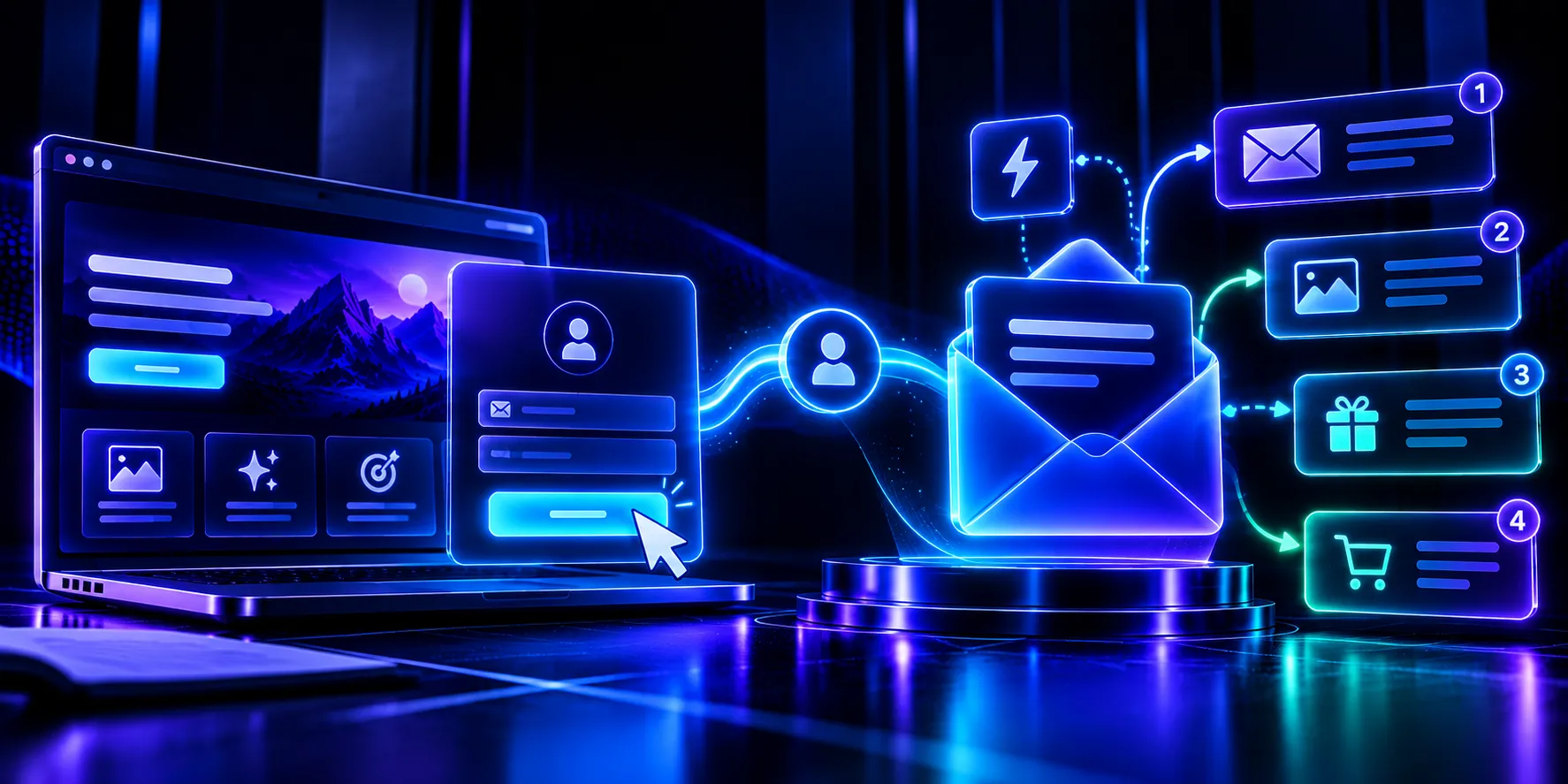
The automation rests on a few mechanisms that, together, turn a registration into a message sequence with no manual work.
- Form and trigger. The form on your landing page collects the email and tags it. That sign-up acts as a trigger: the action that starts everything else.
- Integration. A connection — native, through a connector, or via the API — sends the new contact from the landing page to your email marketing tool in real time.
- Automated sequence. Once inside, the contact receives a series of emails scheduled in advance: welcome, lead magnet delivery, introduction, and offer, each at the moment you define.
The result is that someone signs up at midnight, receives your welcome instantly, and moves through your sequence over the following days, all without you touching anything.
How do you connect your landing page to your email marketing tool?
Getting the connection running is straightforward with the right tools; you do not need to write any code.
- Choose your email marketing tool and create a list or audience for new subscribers.
- Connect it to your landing page through your page builder’s native integration or a connector.
- Map the form fields (name, email) to the fields in your list so the data arrives clean.
- Create the welcome automation that fires when a new contact comes in.
- Run a real test: sign up yourself and check that the email arrives and that the data appears correctly.
A landing page builder like Atomicat lets you connect your form to the main email tools in a few clicks, so the sign-up flows straight into your sequence with no intermediate steps or spreadsheets.
What welcome sequence should you automate?
The welcome sequence is the first automatic contact and sets the tone for the whole relationship. A simple structure works for most businesses.
- Email 1, immediate: welcome them, deliver what you promised (the lead magnet or the discount), and confirm that the sign-up worked.
- Email 2, the next day: introduce who you are and which problem you solve, with a concrete case or example that builds trust.
- Email 3, two or three days later: make a clear offer with a single call to action toward your sales page.
Keep each message focused on one idea and one action. A short, well-linked sequence converts better than a single isolated email, because it accompanies the subscriber instead of asking them to buy at once. As you gather data, you can extend it or adapt it based on how each group responds.
How do you segment subscribers from the moment they sign up?
Segmenting means grouping your contacts by what they care about, and the best time to start is at registration itself.
You can use different landing pages or forms for each lead magnet, so the topic someone opts in for already shows what they care about. A tag applied at that instant lets you send more relevant messages to each group later, without treating your whole list the same way. For example, someone who downloads a beginner’s guide and someone who requests an advanced demo do not need the same sequence: the first is looking to learn, and the second is closer to buying.
Segmentation matters because a relevant message gets opened and clicked more often than a generic one. The sooner you tag the subscriber, the sooner you can personalize, and the better your list will respond.
How do you avoid spam and protect deliverability?
There is no point in automating if your emails land in the spam folder. Deliverability — getting the message into the inbox — depends on a few basic habits, starting with how you collect data on your capture page.
- Ask for clear consent. In Spain and the European Union, GDPR requires the subscriber to agree to receive your emails; a sign-up with explicit consent protects your business and improves your sending reputation.
- Authenticate your domain. Setting up SPF, DKIM, and DMARC tells email providers that your sends are legitimate and not impersonation.
- Take care of content and the list. Avoid typical spam language, always include an unsubscribe link, and periodically clean inactive contacts.
These habits make sure your automated sequence actually reaches the inbox, which is the only way it can convert.
What changes between a standalone landing page and one connected to email marketing?
Both capture sign-ups, but what happens afterward is very different. The contrast explains why connecting the two pieces pays off so much.
| Aspect | Landing page without email marketing | Landing page connected to email marketing |
| --- | --- | --- |
| Follow-up | The contact goes cold; you depend on them coming back on their own | They receive an automatic email in seconds, while interest is still high |
| Work | Manual sends, one by one | Automatic sequence available 24/7 |
| Relationship | A single touch and then silence | Several messages that build trust before you sell |
| Data | A static list that is hard to use | Contacts tagged and segmentable from sign-up |
For almost any business, the connected landing page wins on follow-up, time saved, and results. The page captures interest, and email marketing turns it into sales over time.
Frequently asked questions
What is email marketing?
It is the channel that lets you communicate directly with your contacts by email. Unlike social media, the subscriber list is yours and you can write whenever you want, without intermediaries or algorithms.
How do I connect my landing page to an email marketing tool?
Choose your tool, create a list, connect it to your landing page with a native integration or a connector, map the form fields, and turn on a welcome automation. Then run a test by signing up yourself.
What email should someone receive when they sign up?
An immediate welcome email that thanks them for signing up, delivers what you promised (the lead magnet or the discount), and confirms that everything worked. It is the first step in the sequence.
What is the best email marketing tool?
It depends on your size and goals; compare pricing, deliverability, templates, and automation options. What matters is that it integrates well with your landing page so the sign-up triggers the sequence with no manual steps.
Is consent required to send emails in Spain?
Yes. GDPR requires the subscriber’s consent to send commercial communications. Collect that consent on the form and always include an unsubscribe option in every email.
Turn every sign-up into a conversation that sells
Your landing page captures interest; email marketing turns it into sales. Connecting both pieces and automating from registration lets you respond at the right moment, save work, and build a relationship that almost sells itself.
Start your free trial and connect your landing page to your email marketing without writing a single line of code.
Published
September 7, 2026
Categories