Order Bump Examples: 8 Checkout Offers That Raise Average Order Value
Eight order bump examples, what an order bump is versus an upsell, and pricing rules so the extra checkbox raises AOV without killing checkout conversion.
Written by

Share this
Unlock exclusive Atomicat content
Beyond the blog (/blog), browse our free marketing resources and free tools for calculators and templates (/templates). If you came here searching for landing page tips or landing page best practices specifically, start with the pillars above before browsing further. Browse /resources and /tools.
The cheapest sale you will ever make is the one you add to an order that is already happening. The buyer has decided, their card is out and they are on your checkout page. A small, relevant offer at that moment, ticked with one checkbox, can raise average order value without any extra ad spend. This guide shows eight order bump examples you can adapt, explains what an order bump is, compares order bump vs upsell, and gives practical pricing rules and checkout upsell ideas for your own funnel.
What is an order bump?
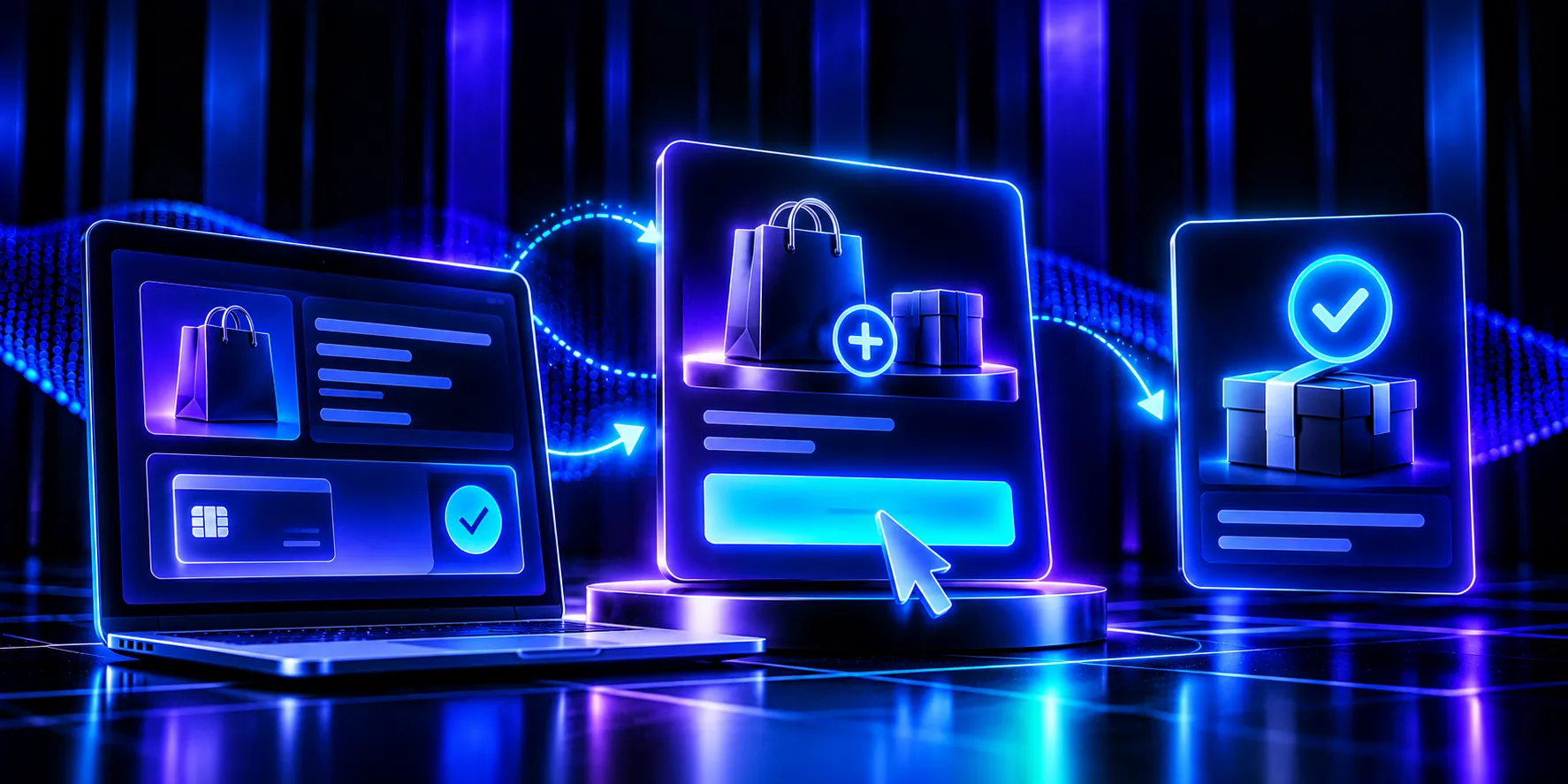
An order bump is a small add-on offer shown on the checkout page, before payment. The buyer adds it by ticking a checkbox, usually in a highlighted box near the payment button. The bump is charged together with the main product, in the same transaction.
Three things define a good bump:
- It is small. It costs much less than the main product, so the decision takes seconds.
- It is relevant. It makes the main purchase faster, easier, better or more complete.
- It is frictionless. One tick, no new page, no extra form.
Order bump vs upsell: what is the difference?
The order bump vs upsell question comes up constantly, because both raise order value. The difference is timing and size.
Order bump
One-click upsell
When it appears
On checkout, before payment
After payment, before the thank-you page
How it is accepted
Ticking a checkbox
Clicking a button on a new page
Typical price
Small compared with the main product
Can be equal to or higher than the main product
Risk to the main sale
Small, because it adds one element to checkout
None, because the main payment is complete
Best for
Quick, obvious add-ons
Bigger upgrades and complementary products
Most strong funnels use both: a bump at checkout and an upsell after payment. For the post-purchase side, read our guide to the one-click upsell.
8 order bump examples you can adapt
These order bump examples cover the most common types. Each includes the offer, sample copy and why it works.
1. The "done-for-you" shortcut
- Main product: an online course on email marketing.
- Bump: a pack of 30 ready-to-use email templates.
- Copy: "Yes! Add the 30 plug-and-play email templates so I can launch my first sequence today, not next month."
- Why it works: it removes work the buyer was about to do.
2. The extended or premium version
- Main product: a 3-month software plan.
- Bump: upgrade to 12 months at a lower monthly price.
- Copy: "Lock in 12 months and save 30% on your monthly rate."
- Why it works: the buyer has already decided the product is worth it; the bump rewards commitment.
3. The complementary physical item
- Main product: a coffee grinder.
- Bump: a cleaning brush and descaling kit.
- Copy: "Keep your grinder like new. Add the cleaning kit for just $9."
- Why it works: it is obviously useful, cheap and protects the main purchase.
4. The bulk or refill bump
- Main product: one bottle of a supplement.
- Bump: a second bottle at a discount.
- Copy: "Most customers take this for 60 days. Add a second bottle for 40% off."
- Why it works: it matches how the product is actually used.
5. The protection or warranty bump
- Main product: a laptop stand or electronic gadget.
- Bump: an extended warranty or priority replacement.
- Copy: "Add 2-year accident protection for $12. If it breaks, we replace it."
- Why it works: it removes a worry the buyer already has.
6. The fast-track or priority bump
- Main product: a service or physical product.
- Bump: priority processing or express shipping.
- Copy: "Skip the queue: get your order processed and shipped within 24 hours."
- Why it works: it sells speed, which many buyers value more than features.
7. The bonus training or coaching session
- Main product: a digital program.
- Bump: a recorded masterclass or a short group coaching call.
- Copy: "Add the 60-minute live Q&A replay where I answer the 20 most common questions."
- Why it works: it increases the chance of success with the main product.
8. The gift or second-person bump
- Main product: a consumer product or course.
- Bump: a gift version or a second licence for a partner or colleague.
- Copy: "Buying for two? Add a second licence for 50% off."
- Why it works: it opens a use case the buyer had not considered.
Pricing rules of thumb for order bumps
There is no universal formula, but these rules of thumb work well as a starting point:
- Keep the bump well below the main price. A common starting range is roughly 10% to 50% of the main product. Above that, the decision stops being instant.
- Make the value obvious. Show a "normally" price only if it is real and the bump is genuinely discounted.
- Use round, easy numbers like $7, $17 or $27 for digital bumps, so buyers do not stop to calculate.
- Test one price change at a time. A small price drop can lift take rate enough to raise total revenue, or not. Only your data will tell.
- Watch the main conversion rate. If checkout conversion drops after adding a bump, the offer is distracting or confusing.
How to write order bump copy
The bump box is small, so every word matters. A proven pattern:
- Headline with a checkbox: start with "Yes!" and the benefit. "Yes! Add the template pack."
- One or two sentences of value: what it is, why it helps right now.
- Price and saving: clear and honest.
- Visual emphasis: a contrasting border or background, a small arrow or a dashed box, so it is seen but does not compete with the pay button.
Write it in the buyer's voice, as if they are agreeing to something they want, not being pushed.
More checkout upsell ideas by business type
If none of the eight order bump examples fits exactly, these checkout upsell ideas by industry may help:
Business
Bump idea
Online course
Workbook, templates, community access, recorded Q&A
Coaching
Extra session, priority messaging, assessment report
E-commerce fashion
Matching accessory, care kit, gift wrap
Supplements
Second bottle, shaker, recipe guide
Software
Annual upgrade, extra seats, onboarding call
Events
Recording access, VIP seating, workshop add-on
Physical gadgets
Warranty, accessories, express shipping
From idea to live test: a 5-step order bump plan
Turning these order bump examples into results takes about a day of work:
- List what buyers do next. Look at support questions and reviews. What do customers buy, download or struggle with right after purchase? That is your bump shortlist.
- Pick the one that is fastest to deliver. Digital add-ons (templates, recordings, guides) are easiest to launch and test.
- Price it using the rules of thumb above and write the copy in the "Yes! Add..." format.
- Launch it on your best-selling product first, where you will collect data fastest.
- Review after a few hundred checkouts. Compare revenue per checkout visitor with the period before the bump. Keep it, change the price or swap the offer.
If your team still asks "what is an order bump going to do for us?", this test answers it with your own numbers rather than industry averages.
Order bump mistakes to avoid
- Irrelevant offers. A bump that has nothing to do with the main product feels like a trick and lowers trust.
- Pre-ticked boxes. Pre-checking the bump is a dark pattern, can break consumer protection rules in many markets and causes refunds and chargebacks.
- Too many bumps. One, sometimes two. More than that turns checkout into a shopping list.
- Hidden pricing. The bump price must be clear before payment.
- Ignoring mobile. On a small screen, a bump box that pushes the pay button below the fold can cost you main sales.
How to measure order bump performance
Track these numbers for every bump:
- Take rate: the share of buyers who add the bump.
- Average order value (AOV): with and without the bump.
- Checkout conversion rate: before and after adding the bump, to make sure it is not hurting the main sale.
- Refund rate on the bump: high refunds signal a value or clarity problem.
- Revenue per checkout visitor: the best single number, because it combines conversion and order value.
Add order bumps with AtomicPay
AtomicPay supports order bumps and one-click upsells natively, so you can add a relevant offer to checkout without extra plugins. Pair the bump with a post-purchase one-click upsell so you capture both the small add-on and the larger next offer. Branded checkout pages adapt to mobile, support multiple currencies and local payment methods such as PIX, boleto and local cards in Brazil, and use smart routing and retry logic to reduce declined payments. Checkout events connect to AtomicPixel, so you can see how each bump affects revenue by campaign. Because AtomicPay sits inside Atomicat, your pages, video, quiz and checkout are managed in one place. For more on pricing your main offer, see our guide to a pricing page that converts.
Conclusion
An order bump is one of the simplest ways to raise average order value: a small, relevant offer, accepted with one tick, at the moment the buyer has already decided. Use the order bump examples above as starting points, keep the price low and the value obvious, avoid pre-ticked boxes and measure revenue per checkout visitor. Then pair your bump with a one-click upsell to capture both small and large add-ons.
Frequently asked questions
Should I offer the same order bump to every customer?
Start with one bump that fits most buyers. Once you have enough data, show different bumps for different products or traffic sources, for example a refill bump for repeat buyers and a starter kit for new customers.
Can I offer more than one order bump on the same checkout?
You can, but keep it to two at most and make sure they do not compete. Two clearly different bumps, such as a template pack and express shipping, can work. Three or more usually slow the decision and reduce main checkout conversion.
Do order bumps work for subscription products?
Yes. Common subscription bumps are an annual plan upgrade, extra seats, a one-time setup or onboarding session, or a premium add-on module. Make clear whether the bump is a one-time charge or recurring.
How do order bumps affect refund rates?
A relevant, clearly priced bump rarely increases refunds. Refunds rise when the bump is pre-ticked, poorly explained or unrelated to the main product. Track refunds on the bump separately so you can spot problems early.
Where on the checkout page should the order bump appear?
Place it just above the payment button or directly after the payment details, where the buyer looks right before confirming. It should be visible without scrolling on desktop and close to the button on mobile.
Published
October 22, 2026
Categories
Related Articles
Discover more insights and strategies to grow your business.