Vibe Coding a Landing Page vs Using a Landing Page Builder: What Actually Converts
A Lovable-style vibe coding landing page ships fast. Compare it with a landing page builder on security, hosting, tracking and A/B tests that decide revenue.
Written by

Share this
Unlock exclusive Atomicat content
Beyond the blog (/blog), browse our free marketing resources and free tools for calculators and templates (/templates). If you came here searching for landing page tips or landing page best practices specifically, start with the pillars above before browsing further. Browse /resources and /tools.
You can now type "build me a landing page for my coaching offer" into a tool like Lovable and get a working page in a few minutes. That is real progress, and it has made the vibe coding landing page one of the most talked-about shortcuts of 2026. But a page that exists is not the same as a page that converts, stays secure and can be tested every week. This guide compares a vibe coding landing page with a dedicated landing page builder on the things that decide revenue: time to launch, editing, security, hosting, tracking and A/B testing. We will be honest about where vibe coding wins, too.
What a vibe coding landing page is
"Vibe coding" means describing what you want in plain language and letting an AI write the code. Tools such as Lovable, Bolt, Replit and v0 generate a full front end (and sometimes a database and login) from a chat. A Lovable landing page, for example, is usually a React app that the tool writes, previews and can deploy for you.
The output is real code. That is the main difference from an AI landing page builder, which generates a page inside a visual editor made for marketing pages. With vibe coding you own a small software project. With a builder you own a page.
Where a vibe coding landing page genuinely wins
It is worth being fair, because vibe coding is excellent for some jobs:
- Unusual interactions. If your page needs a custom calculator, an interactive demo or an animation no template offers, describing it to an AI is often faster than hiring a developer.
- Developer-led teams. If engineers will maintain the page anyway, generated code is a fine starting point they can review and extend.
- Prototypes. For testing whether an idea resonates before you invest in it, a quick Lovable landing page is hard to beat.
- No platform fee. You can export the code and host it wherever you like.
If your landing page is a one-off product demo maintained by developers, vibe coding may be the right call.
Where it struggles for marketers
Most landing pages are not one-off demos. They are pages that marketers change every week: new headlines, new offers, new testimonials, new variants for new ad angles. That is where the vibe coding vs website builder question gets decided.
Editing is a prompt, not a click
Changing a headline in a builder takes ten seconds. In a vibe-coded page, you either edit the code or ask the AI again. The AI may rewrite more than you asked, move sections or break the mobile layout. Small edits become small risks, and teams start avoiding them, which is the opposite of what conversion work needs.
Testing is not built in
A/B testing is the engine of conversion rate optimisation. A vibe coding landing page has no testing by default. You need to add a testing tool, wire it to your analytics and make sure the variants render without flicker. A dedicated builder treats variants as a core feature.
Tracking is your job
Pixels, server-side events, UTM handling and consent banners all have to be added and maintained by hand. Every missed event weakens your ad platforms' optimisation.
Security is your job too
This is the biggest difference, and 2026 has made it concrete.
The security question: what 2026 taught us
In February 2026, The Register reported that an independent researcher found 16 vulnerabilities, six of them critical, in a single app built on Lovable and featured on its Discover page. A backend access rule was inverted, letting unauthenticated visitors in while blocking logged-in users. The researcher said 18,697 user records were exposed. Lovable said it acted within minutes of receiving the report and pointed out that projects include a free security scan, but that users decide whether to apply its recommendations.
Then in May 2026, WIRED reported on a scan by security firm RedAccess of about 380,000 publicly accessible vibe-coded apps and assets across Lovable, Base44, Replit and Netlify. Around 5,000 of them, roughly 1.3%, exposed sensitive corporate or personal data without authentication. A common cause was simple: projects that were public by default and indexed by search engines.
What this means for a landing page:
- A static page with no forms carries little risk. Most of the exposed apps had databases.
- Risk rises the moment you collect data. Lead forms, quiz answers, logins and payments all need correct access rules, and AI-generated rules are not always correct.
- Nobody audits it for you. The responsibility sits with whoever published it, which is often a marketer, not an engineer.
A landing page builder handles forms, storage, SSL and hosting as a managed service. You still need good practices, but you are not writing access-control logic for every lead form.
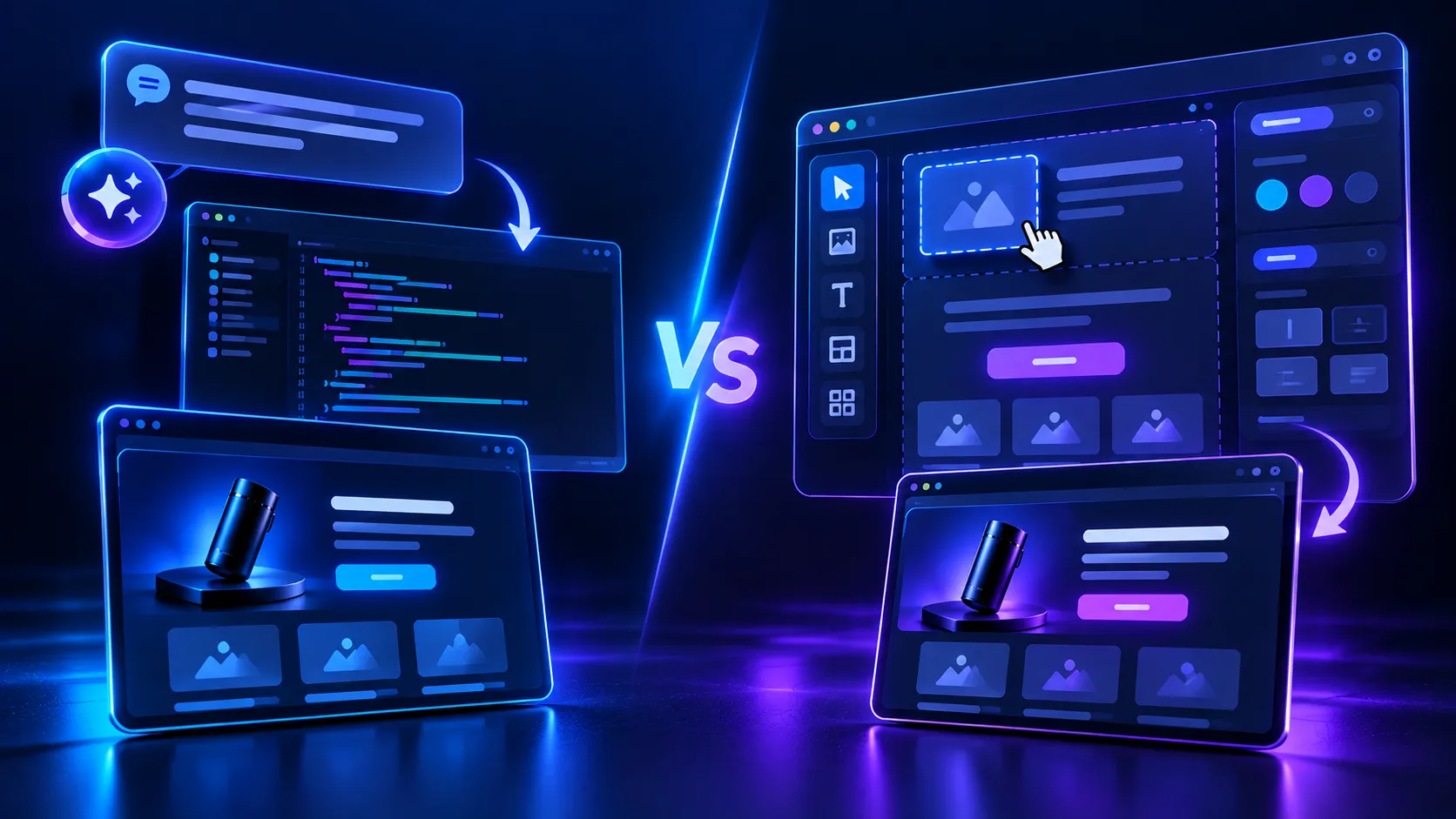
Vibe coding vs website builder: side-by-side comparison
Factor
Vibe coding landing page
Landing page builder (e.g. Atomicat)
Time to first draft
Minutes
Minutes (AI draft or template)
Time to change a headline
Prompt or code edit, risk of side effects
Seconds in a visual editor
Mobile layout
Depends on generated code
Responsive templates, preview per device
Hosting
You choose and configure
Included, with CDN and SSL
Lead forms and data
You build and secure storage
Managed forms and integrations
A/B testing
Add and wire a third-party tool
Native split testing across variants
Conversion tracking
Add pixels and events by hand
Built-in tracking connected to the funnel
Who can maintain it
Someone comfortable with code
Any marketer on the team
Best for
Custom interactions, prototypes, dev teams
Paid traffic pages, funnels, frequent testing
Does a vibe-coded page convert worse?
Not because of the code. Conversion depends on the offer, the message match with the ad, the proof, the speed and how often you test. A vibe coding landing page can convert well on day one. The problem shows up in month two, when the team needs its fifth headline test and its third offer change, and every change goes through a prompt or a developer. Pages that are hard to change get changed less, and pages that get changed less stop improving.
There is also the speed factor. Generated React apps can be heavy if nobody optimises images, scripts and fonts. Builders that host on a CDN with optimised output tend to load faster on mobile, which matters for paid social traffic.
The real cost over six months
Launch speed is the headline benefit of vibe coding, but launch is a small share of a landing page's life. Look at what a typical paid traffic page goes through in its first six months:
- 10 to 20 headline and hero tests;
- 2 or 3 offer or price changes;
- new testimonials and proof as results come in;
- 3 to 5 variants for different ad angles or audiences;
- tracking fixes when an ad platform changes its requirements;
- a compliance update or two (a new disclaimer, a cookie banner change).
In a builder, each of these is a visual edit. With a vibe coding landing page, each one is a prompt that may change more than you asked, followed by a check on desktop and mobile, followed by a redeploy. Multiply that by 30 or 40 changes and the time cost becomes the main cost. This is why the vibe coding vs website builder decision should be made on maintenance, not on the first draft. A useful test is to ask: "Who will make the twentieth change to this page, and how long will it take them?"
A practical decision framework
Use a vibe coding landing page when:
- the page needs custom functionality no builder offers;
- developers will own and review the code;
- you are prototyping and plan to rebuild if the idea works.
Use an AI landing page builder when:
- the page will receive paid traffic and needs regular testing;
- marketers, not developers, will edit it;
- you collect leads or payments and want managed security;
- you need several variants of the same page for different ad angles.
Many teams do both: prototype an idea with a quick Lovable landing page, then rebuild the winner in a builder where it can be tested and scaled.
How to move a vibe-coded page into a builder
If you already have a vibe coding landing page that works, you do not have to start from nothing:
- Copy the final copy, section order and images from the live page.
- Rebuild the structure in a builder, either from a close template or with an AI draft based on your existing copy.
- Reconnect your forms, pixels and UTM parameters, and test every event.
- Run the new page against the old one for a short period to confirm it converts at least as well.
- Switch traffic, then start testing headlines and offers on the new page.
How Atomicat fits
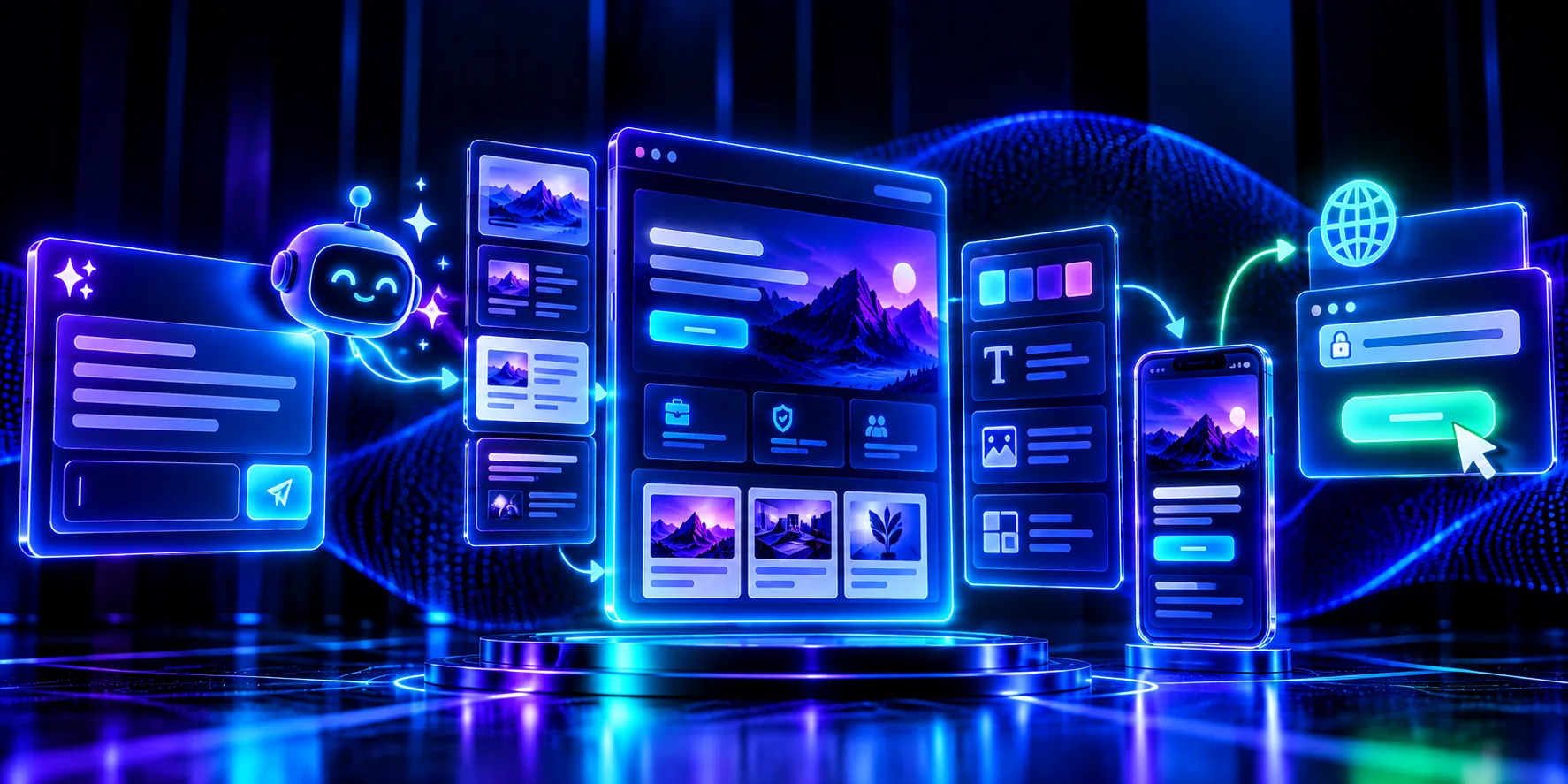
Atomicat's AI website builder gives you the speed of a prompt without the maintenance of code. You describe the page and MIA, Atomicat's AI co-builder, assembles an editable first draft section by section, in the same visual editor you then use to refine it. You can also start from more than 200 editable templates. Pages publish through AtomicHosting in under 60 seconds, with automatic SSL and a CDN of 150+ edge locations, and native A/B testing judges variants on downstream funnel behaviour, not clicks alone. For a deeper look at what AI does well and badly in page building, read our guide to the AI landing page builder.
Conclusion
A vibe coding landing page is a great way to get from idea to working page fast, and for custom or developer-owned pages it can be the right choice. For pages that run on paid traffic, collect data and need weekly testing, a dedicated AI landing page builder usually wins, not on day one, but on every day after it. Choose based on who will maintain the page and how often it needs to change.
Frequently asked questions
Who owns the code of a Lovable landing page?
Generally you do. Lovable lets you sync projects to GitHub and export the code, so you can move or host it elsewhere. Check the current terms of your plan. Owning the code also means you own maintenance, security updates and hosting decisions.
Is a vibe coding landing page good for SEO?
It can be, but check two things. Some generated apps render content with JavaScript only, which search engines may index more slowly. Also confirm that titles, meta descriptions, headings and image alt text are set correctly, because the AI does not always add them.
What should I check before publishing a vibe-coded page that collects leads?
Make sure the database is not public, access rules only let the right users read data, API keys are not exposed in the front end and the project is not set to public by default. Run the platform's security scan and fix every issue it finds before sending traffic.
Can I A/B test a page built with vibe coding?
Yes, by adding a third-party testing tool or by building two versions and splitting traffic at the ad level. Both work, but they take more setup than a builder with native split testing, and ad-level splits are harder to read cleanly.
Is vibe coding cheaper than paying for a landing page builder?
The tool can be cheaper, but the total cost includes the time spent prompting edits, fixing layouts, setting up hosting, tracking and testing, and checking security. For teams that change pages often, that time usually costs more than a builder subscription.
Published
October 20, 2026
Categories
Related Articles
Discover more insights and strategies to grow your business.