What Is a Favicon and Why Does Your Website Need One?
What is a favicon? Learn what it is, where it appears, why your website needs one, and how to create and add a favicon in the right size and format.
Written by

Share this
Unlock exclusive Atomicat content
Beyond the blog (/blog), browse our free marketing resources and free tools for calculators and templates (/templates). If you came here searching for landing page tips or landing page best practices specifically, start with the pillars above before browsing further. Browse /resources and /tools.
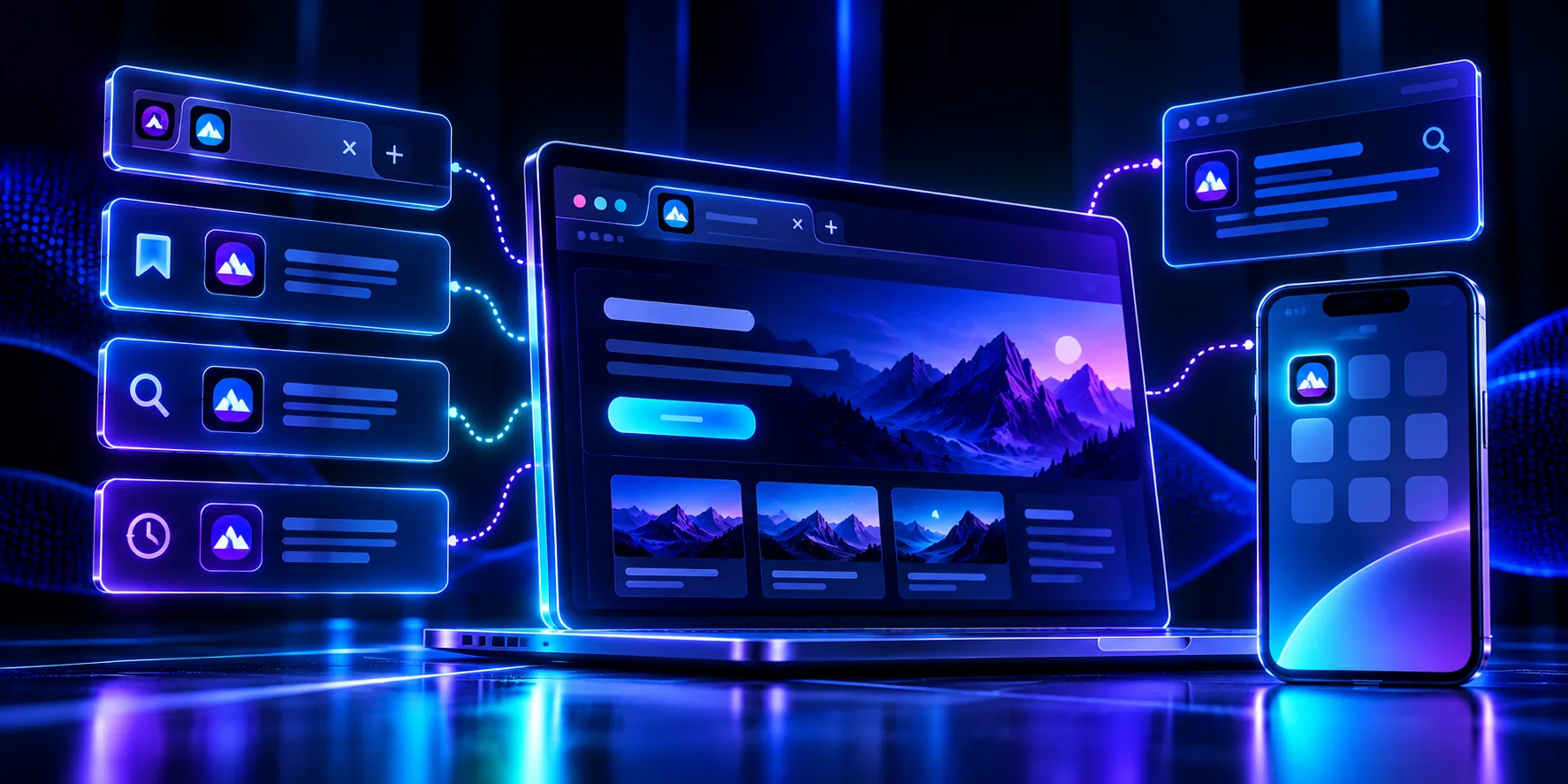
A favicon is the tiny icon that represents your website. The word is short for "favorite icon," and you see it in the browser tab next to the page title, in bookmarks, in browser history, and often beside your link in search results. It is small, but it does real work for your brand.
This guide explains what a favicon is, where it shows up, why it matters more than its size suggests, and how to create and add one to your site. By the end you will know how to give your website that finished, professional touch.
What is a favicon in simple terms?
A favicon is a miniature version of your logo or brand mark that browsers display in small spaces. Think of it as your site's face when there is only room for a thumbnail.
When you open several tabs at once, the favicon is how you tell them apart at a glance. When someone saves your page, the favicon sits next to the bookmark. It is the smallest piece of your brand, and it appears in more places than almost any other design element you own.
The name has a bit of history behind it. Favicons first appeared so browsers could show a small image next to a bookmarked, or "favorite," site, which is where "favorite icon" comes from. What began as a bookmark helper has grown into a small but constant brand signal that follows your site across tabs, search results, and phone screens.
How is a favicon different from a logo?
People sometimes confuse the two, but they do different jobs. Your logo is your full brand mark, designed to be seen clearly at a readable size. A favicon is a tiny, simplified version of that identity, built to stay recognizable when it shrinks to the size of a fingernail.
A logo might include your business name, a symbol, and a tagline. A favicon usually cannot fit more than one of those. So the favicon often takes the simplest element of the logo, such as the symbol or the first letter, and drops the rest. Think of the favicon as your logo's smallest sibling: related, but stripped down to the one part that still reads at a glance.
Where do favicons appear?
Favicons show up in more spots than most people realize, which is exactly why they are worth getting right.
Browser tabs. The favicon sits right next to the page title, so people can spot your open site among a row of tabs.
Bookmarks and history. Saved links and history entries show the favicon, which helps people scan long lists and find you faster.
Search results. On both mobile and desktop, search engines often show a favicon next to your URL, so it affects how your listing looks before anyone clicks.
Device home screens. When someone saves your page to a phone or tablet, the favicon becomes the shortcut icon, working like a small app button.
Why does your website need a favicon?
A favicon is small, but skipping it makes a site look unfinished. Here is what a good one does for you.
It builds brand recognition. Acting as a tiny logo, the favicon trains people to recognize you instantly, whether in a tab, a bookmark, or a search result.
It improves the user experience. With many tabs open, a clear favicon helps visitors return to your page without hunting through identical-looking tabs.
It signals professionalism. A site with its own favicon looks complete and trustworthy. A site showing the browser's blank default icon looks unfinished, and small trust signals add up when someone is deciding whether to stay.
That last point matters most on pages built to convert. If you are running campaigns, every trust signal helps, which is one reason the details covered in what makes a good landing page include polish like this.
What size and format should a favicon be?
A favicon needs to stay sharp at very small sizes, so the format and dimensions matter.
The classic file is an .ico, which can hold several sizes in one file. Modern browsers also accept .png and .svg, and .svg has the advantage of staying crisp at any size. A common approach is to provide a 32 by 32 pixel version for browser tabs and a larger 180 by 180 pixel version for home-screen shortcuts on phones and tablets.
Keep the design simple. A favicon is far too small for detailed text or a full logo with a tagline. Use a single strong shape, a letter, or a simplified mark from your logo, and make sure it reads clearly against both light and dark backgrounds.
How do you create a favicon?
You do not need advanced design skills to make a favicon. There are a few straightforward routes depending on what you have to start with.
If you already have a logo, take the simplest part of it, such as an initial or a symbol, and export it as a square image. If you are starting from scratch, a plain letter in your brand color works well. Free favicon generator tools let you upload an image and download it in the right sizes and formats, so you do not have to build each version by hand.
Whatever you make, preview it at actual size before you commit. Something that looks great large can turn into a blur at 32 pixels, so shrink it down and check that the shape still reads.
A few design choices help a favicon survive that shrink. Use bold shapes and thick lines, since thin details vanish at small sizes. Stick to one or two colors, and pick ones that stand out against both a white and a dark tab bar. Leave a little padding around the edge so the mark does not feel cramped. And avoid full words, because text that small becomes an unreadable smudge. A single strong letter or symbol almost always beats a detailed illustration.
How do you add a favicon to your website?
Once your file is ready, adding it depends on how your site is built, and modern tools make this easy.
If you use a website builder, there is almost always a settings panel where you upload your favicon and the tool handles the rest. With Atomic Builder, you upload the image once and it appears across your pages, with no code to edit.
If you manage your own HTML, you place the favicon file in your site and add a link tag in the page header that points to it. After you publish, clear your browser cache or open a private window to check it, since browsers often hold on to the old icon for a while.
It is worth checking the favicon in a few places once it is live, not just one browser tab. Look at it in a bookmark, on a phone home screen if you can, and next to your link in search results once search engines pick it up. Each spot displays the icon at a slightly different size, and seeing it everywhere confirms the shape holds up. This five-minute check is easy to skip, yet it is how you catch a favicon that looks fine in one place and muddy in another.
Does a favicon help with SEO?
A favicon is not a direct ranking factor, but it does affect how your site performs in search in a quieter way.
Because search engines show favicons next to your URL on mobile and increasingly on desktop, a clear, recognizable icon can make your result stand out and earn more clicks. A stronger click-through rate is good for your visibility over time. So while a favicon will not lift your rankings on its own, it helps your listing look trustworthy, which supports the traffic goals behind the rest of your website.
Think of it as part of your first impression in search. When someone scans a page of results, most listings look alike, a title and a line of text. A crisp favicon adds a small splash of your brand that catches the eye and signals a real, established site rather than an anonymous one. It is a modest edge, but on a crowded results page, small edges are worth having, especially for a newer site trying to earn its first clicks.
Frequently asked questions
What is a favicon on a website?
It is the small icon that represents the site in browser tabs, bookmarks, history, and search results. It usually shows a simplified version of the brand's logo.
What size should a favicon be?
A 32 by 32 pixel version covers browser tabs, and a 180 by 180 pixel version suits home-screen shortcuts. An .svg stays sharp at any size.
What file type is a favicon?
The traditional format is .ico, while modern browsers also support .png and .svg. Many sites provide more than one for wide support.
Can I make a favicon for free?
Yes. Free favicon generators let you upload an image and download it in the correct sizes and formats at no cost.
Why is my favicon not showing up?
Browsers cache favicons, so an old one can linger. Clear your cache or open a private window, and confirm the file is uploaded in the right place.
Give your website a professional finish
A favicon is a small detail that makes your whole site feel complete. It builds recognition, helps visitors, and signals that you care about the details.
Start your free trial of Atomicat and build a polished website, favicon and all, without touching code.
Published
September 1, 2026
Categories